

Design change, CAM rework
Export a STEP, re-import into CAM, rebuild setups and recalculate toolpaths. Every engineering change repeats the cycle.
Watch one part go from parametric model to 3-axis and 5-axis toolpaths, simulation and NC code. Then hear what Fusion's new plans mean for your team before Cyber Week ends.
Free to attend. Seats are limited.
--Days
--Hrs
--Min
--Sec
Export a STEP, re-import into CAM, rebuild setups and recalculate toolpaths. Every engineering change repeats the cycle.
Models, drawings, setup sheets and NC programs live in different folders. The shop floor risks cutting an outdated revision.
CNC machining, 3D printing and simulation all start from a 3D model. 2D drawings have to be remodelled first.
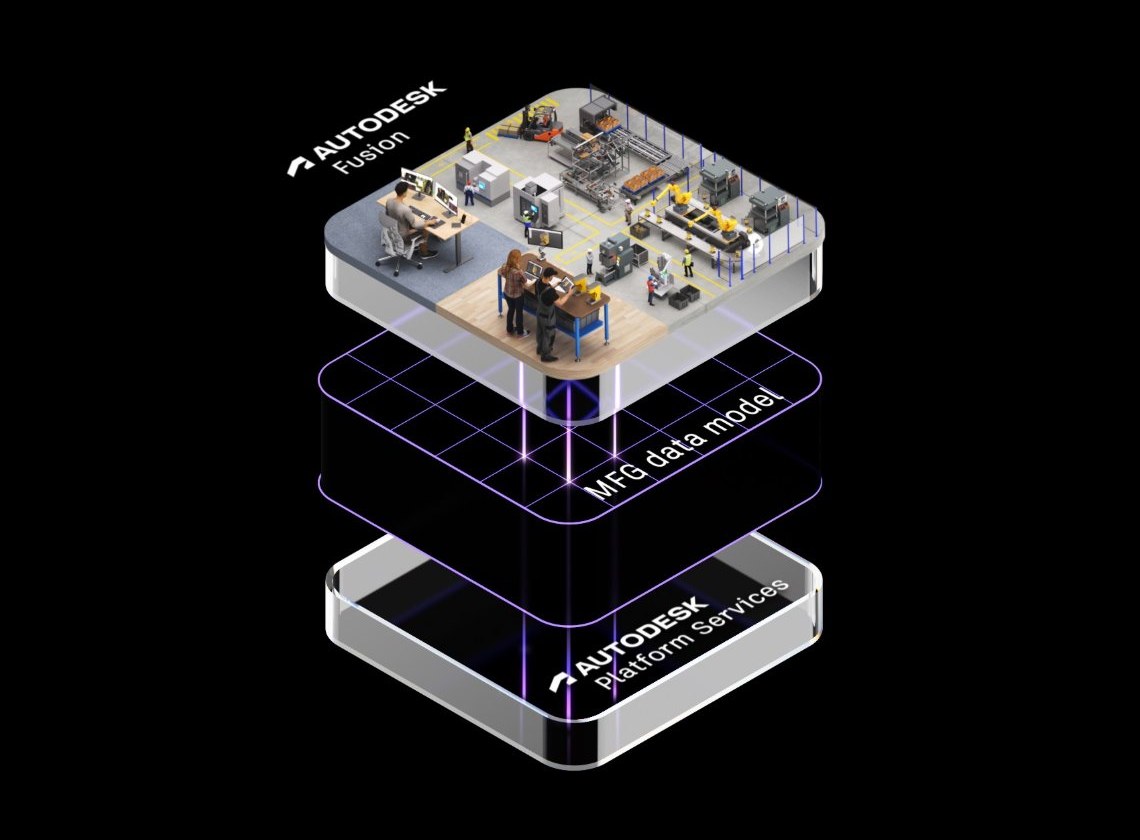
Autodesk Fusion connects 3D design, CAM, data management and manufacturing, so your team moves from design intent to a production-ready part with fewer handoffs.
Integrated CAD + CAMTake a 3D model into toolpaths, simulation and CNC or 3D-print-ready output in one environment.
Associative toolpathsChange the design and regenerate toolpaths from the updated model, instead of starting CAM again.
A practical path from AutoCAD to 3DStart from your DWG and a real part, and build 3D skills without replacing your workflow overnight.
A clearer way to scaleStarter, Standard, Professional and Enterprise plans from 28 January 2027.
Pick the one that sounds like you.
A clear view of your renewal path, which plan your team lands on, and whether adding seats this week makes sense.
A realistic picture of what moving to Fusion looks like, what carries over, and where to start an evaluation without stopping production.
A practical first step from 2D into 3D, with no prior 3D CAD experience needed.
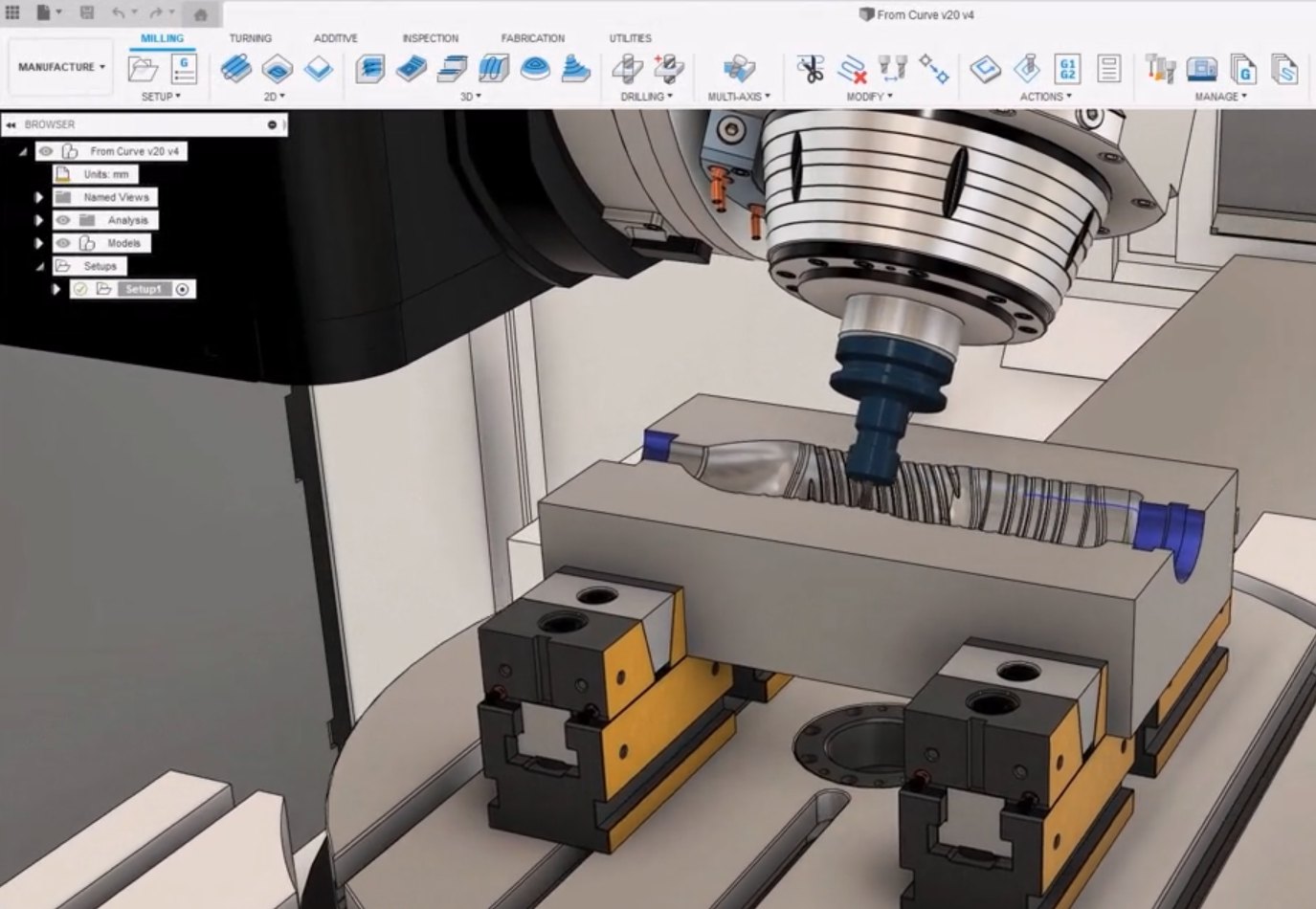
Reference non-native SolidWorks, NX, STEP and other formats in Fusion. We'll cover what carries across, what to check, and how to plan a migration without stopping production.
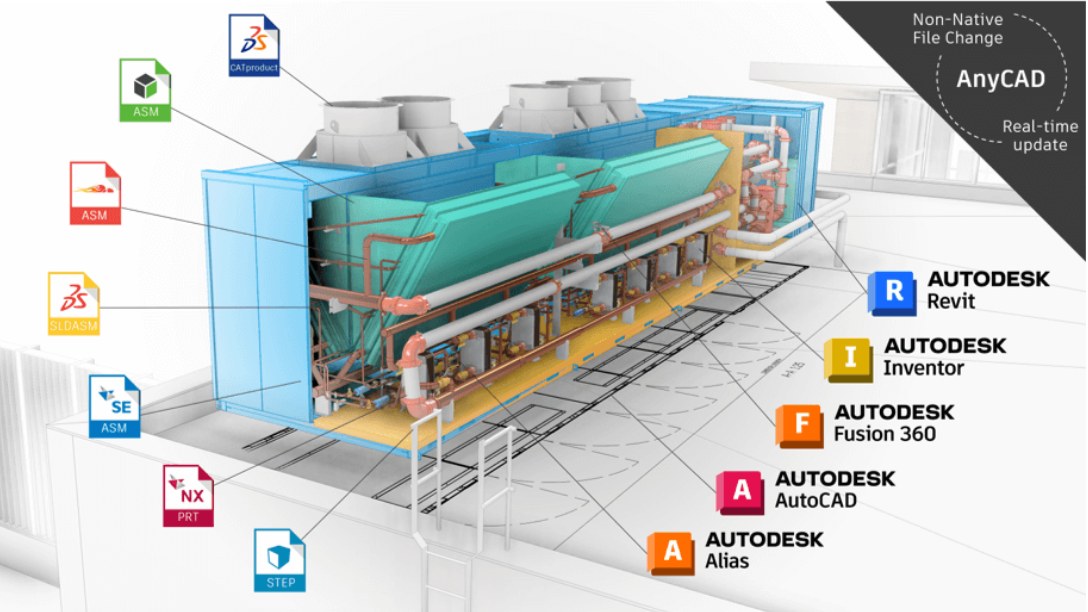
Program what's on your shop floor today, and scale to multi-axis work when you need it.
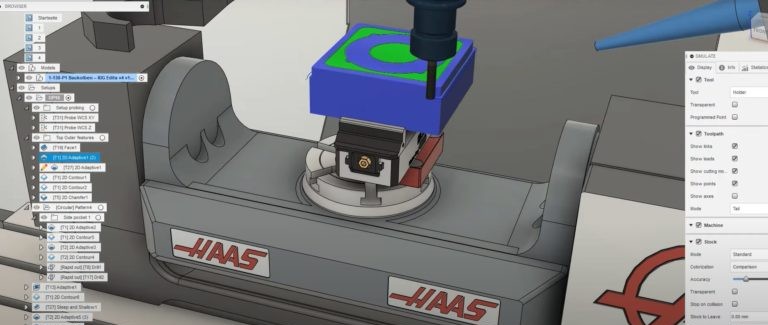
Facing, pocketing, contouring, drilling and adaptive clearing.
Roughing and finishing for complex surfaces, moulds and dies.
5-axis indexing to reach more faces in fewer setups.
Swarf, multi-axis contour and automatic collision avoidance.
Lathe and turn-mill programming from the same model.
Stock simulation, setup probing and editable post-processors.
Advanced multi-axis capabilities depend on your Fusion plan.
A live CAD and CAM demonstration on a real part, plus the Fusion announcement with straight answers on the new plans.
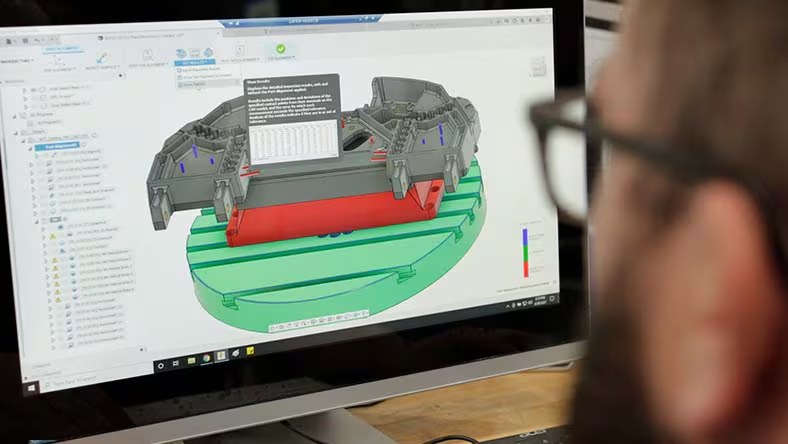
A 3D design moves into CAM, toolpaths, simulation and manufacturing-ready output.
Spot the handoffs between CAD, CAM, drawings and revisions, and how to remove them.
A realistic starting point from SolidWorks, Mastercam or AutoCAD.
What changes from 28 January 2027, which plan may fit, and how Cyber Week factors in.
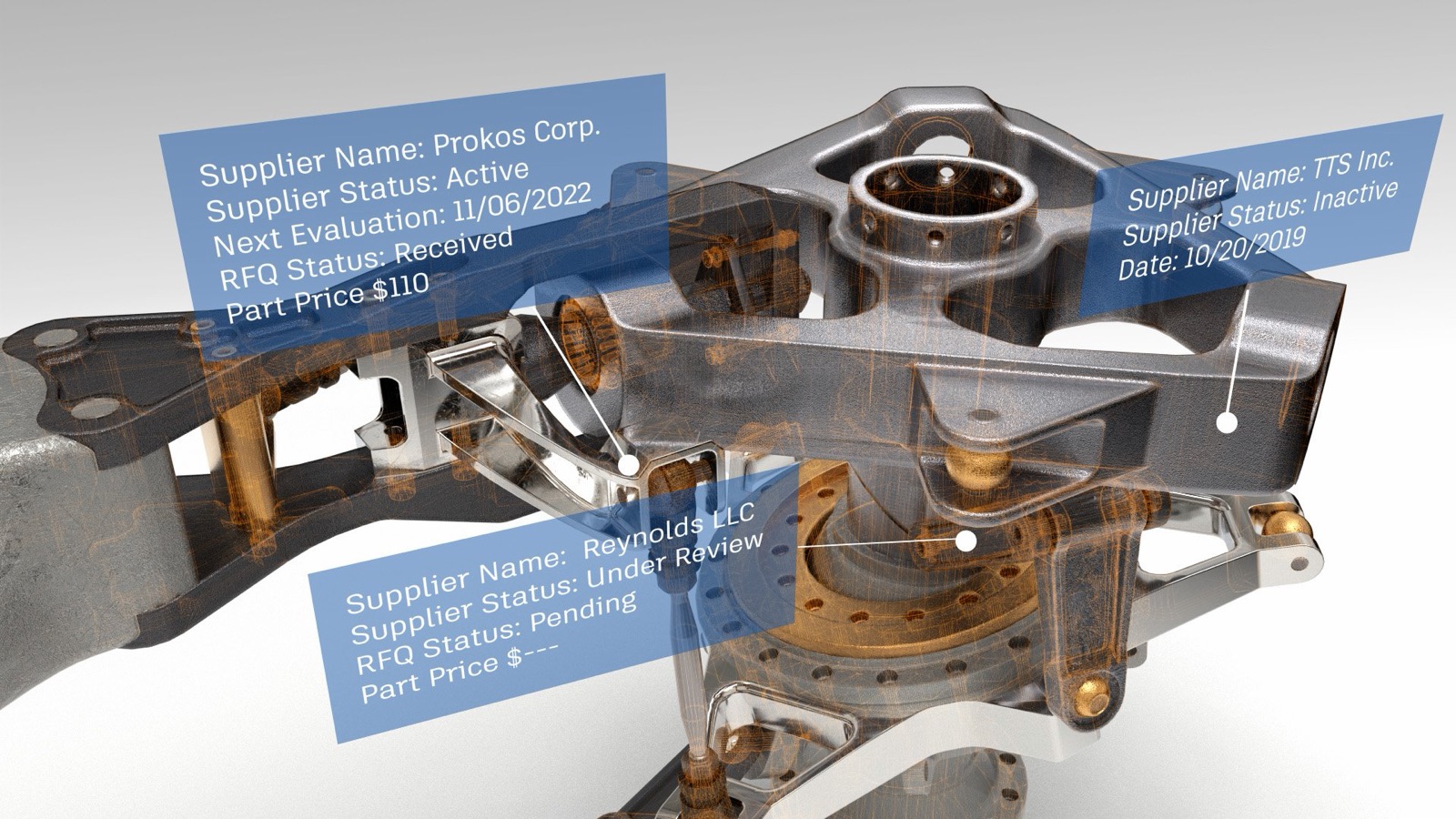
Parametric modelling, assemblies, direct editing and design documentation.
Toolpath creation, machine setup, simulation and post-processing for CNC.
Simulation and validation tools to evaluate designs earlier.
Electronics design and electromechanical integration within Fusion.
Cloud-based design data, version control, access and collaboration.
Turn questions into action inside Fusion, alongside AutoConstrain and Automated Drawings.
Capability availability varies by Fusion plan.
Fusion's capabilities are being reorganised into four global plans, with extensions folded into the new structure.
Hobbyists and non-commercial users
Core CAD, electronics, manufacturing and 3D printing.
FreeIndividual professionals and small teams
Core commercial CAD, CAM, PCB and data management.
Annual subscriptionProduct-development teams
Advanced design, manufacturing, simulation, collaboration and data management.
Annual subscriptionComplex, multi-team organisations
Advanced manufacturing, simulation, PLM and the highest AI capacity.
Annual subscriptionSubscribing during Cyber Week? Your subscription moves up to Fusion Professional when the new plans launch. See the timeline
Your designs, data and workflows stay as they are. No migration or reinstallation needed.
Your future plan depends on your current subscription, extensions and transition path.
Price protection needs an active subscription with no lapse.
At the first renewal on or after 28 Jan 2027, monthly Fusion moves to Standard. Some capabilities move to Professional.
Move to annual on 28 Jan 2027. Preferred pricing lasts two or three years depending on renewal date.
Upgrade at renewal, or use Flex tokens for day-based access to Fusion Enterprise capabilities.
Take 20% off your first year of Fusion, move up to Fusion Professional in January, and keep your price locked for two years. One week to claim it.
Take 20% off the first year of a new 1-year Fusion subscription.
20% off year oneSee the workflow and the new plans, with a day left to act on what you learn.
Cyber Week pricing ends. Enquire early so we can prepare your quote.
When the new plans launch, you get Professional's advanced design, manufacturing and simulation tools.
More capabilityA 2-year price lock while your subscription stays active with no lapse.
2-year price lock The lock applies to the standard subscription price, not the 20% Cyber Week rate.The saving applies to every new subscription. Talk to Drawbridge to confirm eligibility, seat count and the right plan for your team.

Up to 20% off new 1-year subscriptions to AutoCAD, AutoCAD LT, Revit LT, 3ds Max and more, through Drawbridge Technologies. Discount varies by product. Ask us what applies to you.
Terms and conditions apply. Offer is for new 1-year subscriptions purchased 30 November to 4 December 2026. Discount varies by product. The Fusion Professional upgrade and price lock follow Autodesk's terms and require an active subscription with no lapse. Eligible products, regions, taxes and pricing may vary. Cannot be combined with other rebates or promotions where prohibited. Drawbridge will confirm eligibility and pricing for your business.
Software is only half the switch. We help your team get trained, set up and cutting parts in Fusion, with support from offices in Selangor and Penang. Autodesk reports Fusion is trusted by over 4.6 million professionals worldwide.
Product Design and CAM courses by HRDF certified trainers. HRDF claimable for eligible companies.
Posts built and tuned for your CNC machines and controllers, so NC code runs right on your shop floor.
Local help with installation, licensing and day-to-day questions from a team that knows your setup.
Plan your move from SolidWorks, Mastercam or AutoCAD with minimal downtime.
Custom development and scripting to automate repetitive design and documentation tasks.
Scan existing parts and tooling, then rebuild them as CAD models ready for Fusion CAM.
Yes. The session covers the new Starter, Standard, Professional and Enterprise plans from 28 January 2027, how extensions are being incorporated, and what it means for your renewal.
Yes. It's designed to help you evaluate Fusion's connected CAD-to-CAM workflow, file-compatibility considerations and migration path.
No prior 3D CAD experience is required. The session shows a practical path from 2D design thinking into 3D modelling and manufacturing.
Yes. The demo shows CNC programming in Fusion, including 2D and 3-axis toolpaths, simulation and NC code output, and explains which plans include advanced multi-axis capabilities.
Buy a new 1-year Fusion subscription between 30 November and 4 December 2026 to get 20% off your first year. When the new plans launch on 28 January 2027 your subscription moves up to Fusion Professional, with a 2-year lock on the standard subscription price (the 20% discount applies to the first year only) while it stays active. Terms apply; contact Drawbridge to confirm eligibility and pricing.
Yes. Up to 20% off new 1-year subscriptions to products including AutoCAD, AutoCAD LT, Revit LT and 3ds Max. The discount varies by product, and our team can confirm what applies to your business.
Autodesk licences bought online from overseas are subject to Malaysia's 10% withholding tax, which your business has to bear on top of the subscription price. Buying through Drawbridge, an Autodesk Gold Partner in Malaysia, avoids this and gives you local onboarding, training and support from our Selangor and Penang teams.
No. This is a live-only session with no recording, so reserve your seat and join us on the day.
No. The CAM demonstration is designed to show the workflow clearly, even if your team is new to CNC programming.
A focused 40-minute introduction to Autodesk Fusion CAD and CAM, plus the latest Fusion announcement, one day before Cyber Week ends.
Free to attend. No software installation required: join from your browser through Microsoft Teams.